 Pro
Name puzzle
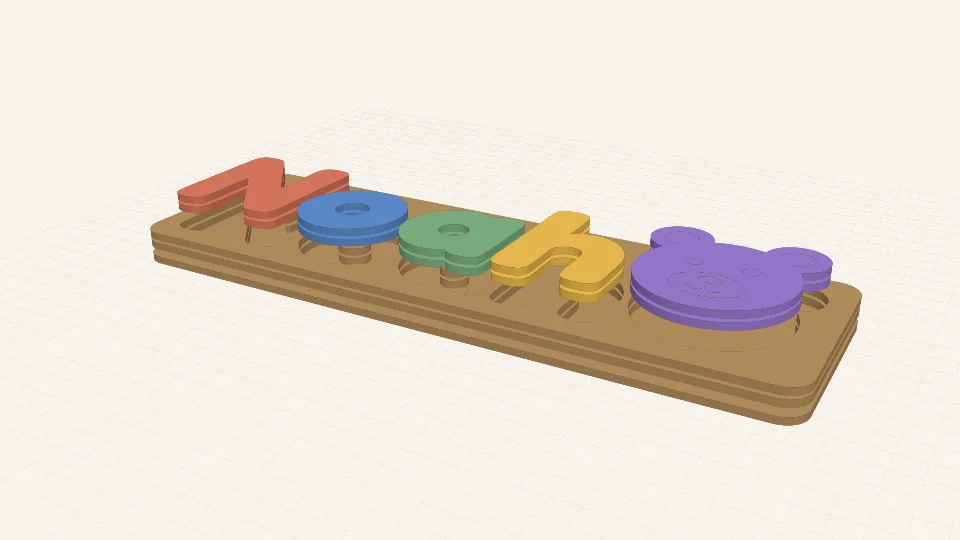
Type a child's name and get chunky letters that drop into their own pockets in a tray.
A wooden jigsaw puzzle in any shape, from 6 chunky pieces to 150 small ones.
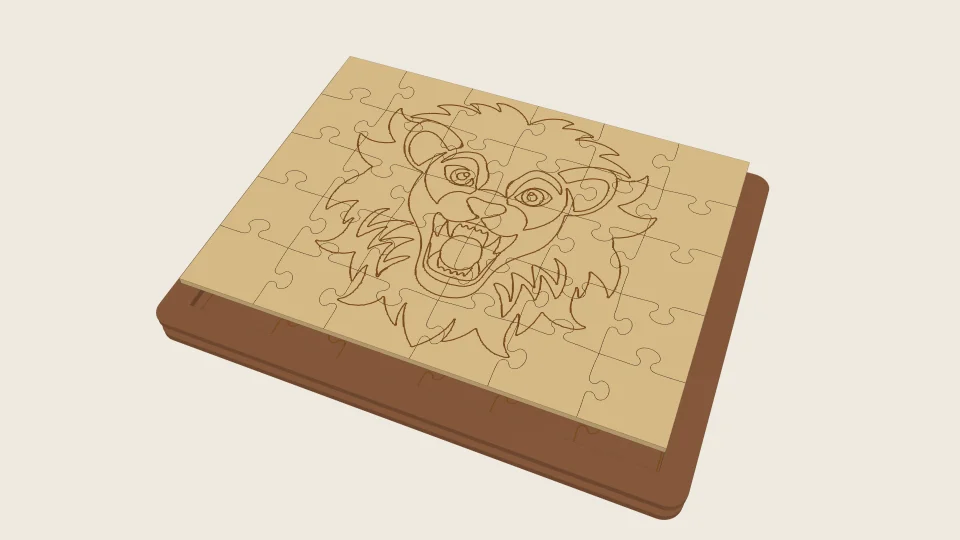
In short: A jigsaw puzzle in any shape: a rectangle, heart, star ... or your own outline, with classic, round, square or dovetail knobs (or none), from 6 chunky pieces to 150 small ones. Optional tray and a picture engraved across the pieces.
A jigsaw puzzle for the laser cutter, in a rectangle, rounded rectangle, oval, heart, star or hexagon, or in your own outline from a PNG or SVG. Choose a difficulty (toddler 6 pieces, easy 12, medium 30, hard 70, expert 150, or any count) and the knobs: classic, round, square, dovetail, a mix, or none for a first tray puzzle.
Randomness moves the corners off the grid and varies every knob, so no two pieces are alike; another variation number gives a new puzzle with the same settings. Pieces cut off by a curved outline are merged with a neighbour, so there are no slivers, and knobs that would crowd an edge are made smaller.
The puzzle is one part with the lines between the pieces cut once each, so the laser's kerf is the play and a picture engraved across it stays lined up. An optional tray holds it, with the pieces' outlines engraved on the base as a guide.
You need: one sheet of plywood (two more for the tray), and a picture as an SVG or PNG if you want one. Small pieces are a choking hazard: pick the difficulty for the child's age.
All of these can be changed in the app, and the 3D preview updates as you type. The name under each setting
is its key in a share link, e.g. https://laserpuzzle.app/app/jigsaw?picture=…; a link only
needs the settings that differ from the defaults.
| Setting | Default | What it does |
|---|---|---|
Picturepicture | your file | Optional: an SVG or PNG engraved across the puzzle, stretched over its width and height. SVG: filled shapes engraved filled, strokes as lines (text must be converted to paths). PNG: dark on white or transparent. |
PNG picturepicture_style | outline | A PNG's dark areas engraved as outlines, or filled with close hatching (darker, slower). Options: outline, filled. |
| Setting | Default | What it does |
|---|---|---|
Shapeshape | rectangle | The puzzle's outline. 'upload': your own, from the outline file. Options: rectangle, rounded, oval, heart, star, hexagon, upload. |
Outline fileoutline | your file | For shape 'upload': a PNG (its opaque pixels, or dark ones if it has no transparency) or an SVG (its filled shapes). The largest shape is used, holes filled. |
Widthwidth | 200 mm | From 40 to 1000 mm. |
Heightheight | 150 mm | Preset shapes fill width x height; an uploaded outline is scaled to fit inside it. From 40 to 1000 mm. |
| Setting | Default | What it does |
|---|---|---|
Difficultydifficulty | medium | Number of pieces: toddler 6, easy 12, medium 30, hard 70, expert 150; 'custom' uses Pieces. Fewer pieces are also bigger, and easier for small hands. Options: toddler, easy, medium, hard, expert, custom. |
Piecespieces | 30 | With difficulty 'custom': about this many pieces. From 2 to 500. |
Randomnessrandomness | 30% | How irregular the pieces are: corners moved off the grid, knobs moved and resized, edges bowed. 0 = a regular grid. From 0 to 100 %. |
Variationseed | 1 | Another number gives another puzzle with the same settings. From 0 to 9999. |
| Setting | Default | What it does |
|---|---|---|
Knobsknobs | on | Knobs that lock the pieces together. Off: plain edges (straight, or wavy with randomness) - a tray puzzle for the youngest. |
Knob shapeknob_shape | classic | 'mixed' picks one at random for each edge. Options: classic, round, square, dovetail, mixed. |
Knob sizeknob_size | 28% | How far a knob sticks out, as a share of the edge length. From 10 to 32 %. |
| Setting | Default | What it does |
|---|---|---|
Traytray | on | A base and a frame sheet the puzzle drops into. |
Tray shapetray_shape | rectangle | A rounded rectangle, or a frame following the puzzle's outline. Options: rectangle, outline. |
Borderborder | 12 mm | From 4 to 50 mm. |
Playplay | 0.5 mm | Gap between the puzzle and the frame. From 0.1 to 2 mm. |
Guide on the baseguide | on | Engrave the pieces' outlines on the base, to show where each one goes. |
Plus the material and machine settings every generator has: material thickness, kerf, slot clearance, sheet width, sheet height, part spacing, engrave part labels, cut line colour, engrave line colour.
ProType a child's name and get chunky letters that drop into their own pockets in a tray.
 Pro
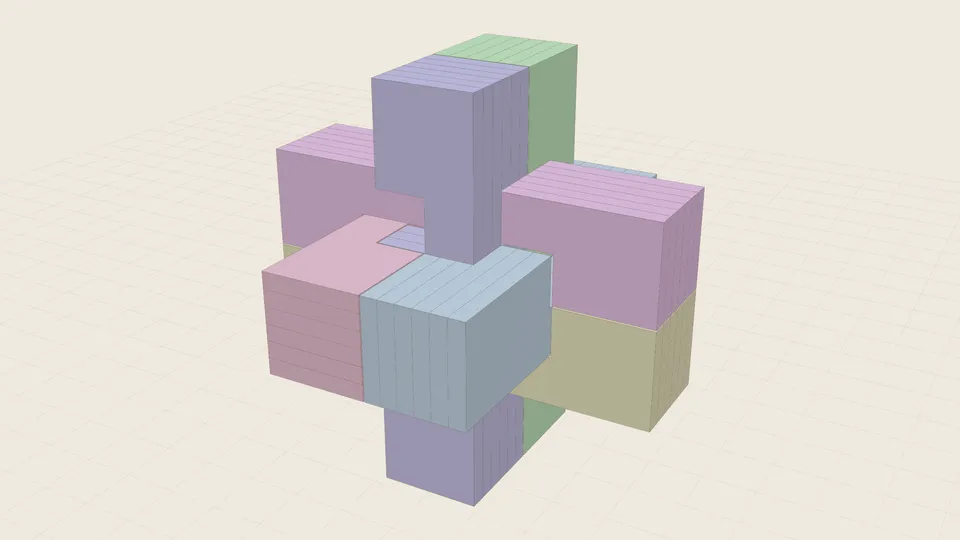
Six notched sticks that lock into a cross, proven to go together before you cut them.
 Pro
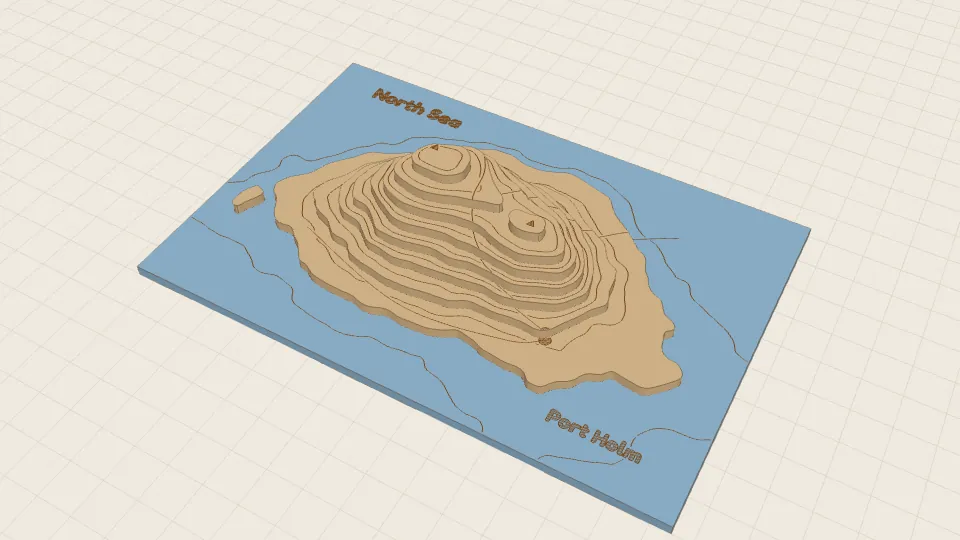
A layered topographic map from a heightmap or a terrain model.