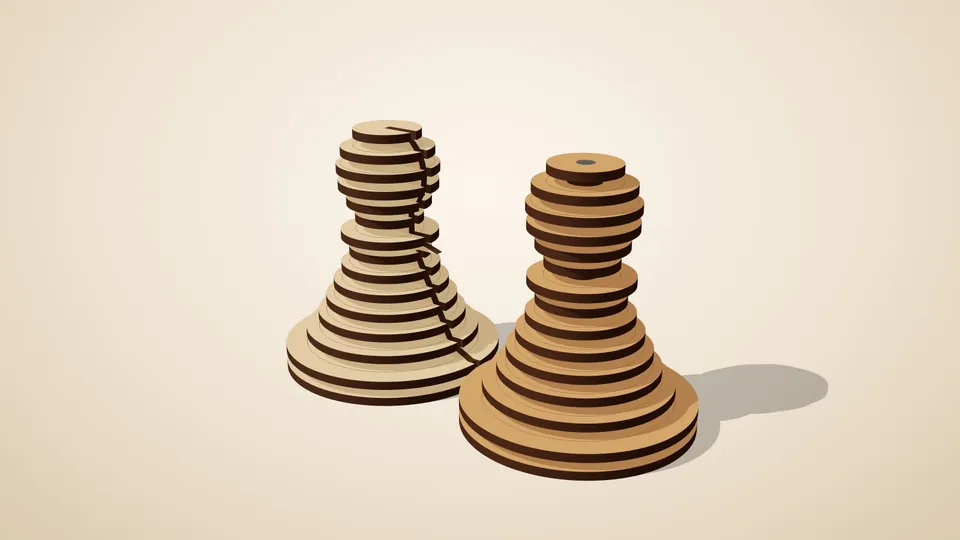
Stacked layers
Slice any 3D model into layers that stack back into the shape.
Two sets of interlocking cross-sections that slot together into a lattice of your model.
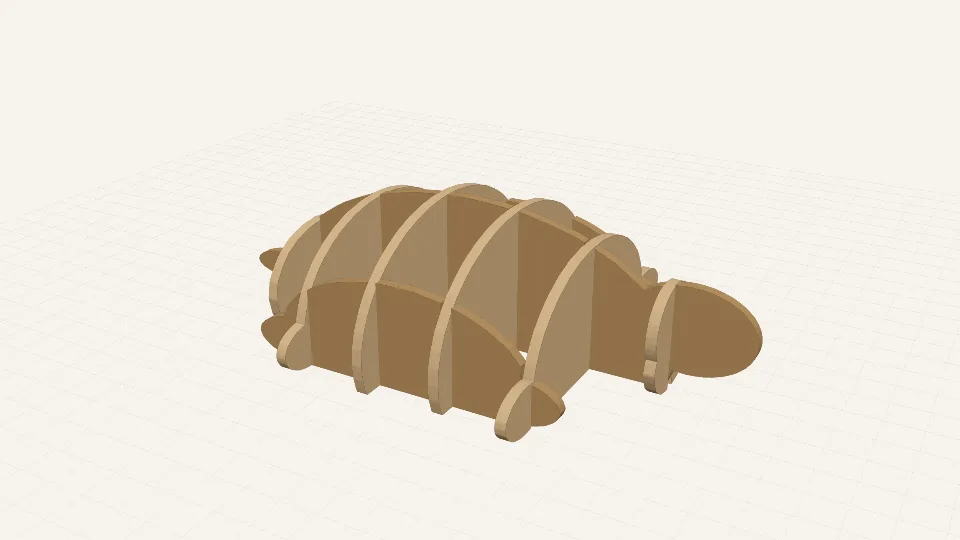
In short: Cuts a 3D model into two sets of vertical slices that slot into each other in a grid. Good for animals, heads, landscapes and other chunky shapes.
A sliceform (or egg-crate) model is built from flat slices that cross each other at right angles, like the cardboard dinosaur kits. The generator cuts your 3D model into two sets of vertical slices, one along each horizontal axis, and joins every pair that meets inside the model with a cross-lap slot: half the slot in each part, so they lock together at the right height.
It works best on chunky shapes without thin necks: animals, heads, cars, landscapes. You choose how many slices go each way, and the slot width is your sheet thickness plus your clearance, so the joints are snug without glue.
To assemble, stand the slices of one set up with their slots facing up, then lower the other set onto them. It uses far less material than a solid stack and is quick to put together.
Your model is read in your browser and never uploaded. Start from the built-in turtle to see how it works.
All of these can be changed in the app, and the 3D preview updates as you type. The name under each setting
is its key in a share link, e.g. https://laserpuzzle.app/app/#/sliceform?model=…; a link only
needs the settings that differ from the defaults.
| Setting | Default | What it does |
|---|---|---|
3D modelmodel | your file | Mesh file (STL recommended). |
Up axisup_axis | z | Which axis of the file points up. Most STL files are Z-up; 'auto' = the longest one. Options: auto, x, y, z. |
Upside downflip | off | Flip if the model comes out inverted. |
Rotate about verticalrotate | 0 ° | Turns the model relative to the slicing grid. From -180 to 180 °. |
Sizesize | 160 mm | Scale the model so its longest side is this long. 0 keeps the file's units (assumed mm). From 0 to 1500 mm. |
| Setting | Default | What it does |
|---|---|---|
Slices across Xribs | 6 | Number of slices perpendicular to the X axis (ribs). From 1 to 40. |
Slices across Yframes | 3 | Number of slices perpendicular to the Y axis (frames). From 1 to 40. |
Edge insetedge_inset | 0.15 | Fraction of the model's width left free at each end, so the outer slices still cut through solid material. From 0 to 0.45. |
Smallest featuremin_feature | 1.5 mm | Features thinner than this are removed (laser-cut wood breaks below ~1 mm). From 0 to 10 mm. |
Plus the material and machine settings every generator has: material thickness, kerf, slot clearance, sheet width, sheet height, part spacing, engrave part labels, cut line colour, engrave line colour.
Slice any 3D model into layers that stack back into the shape.
 Pro
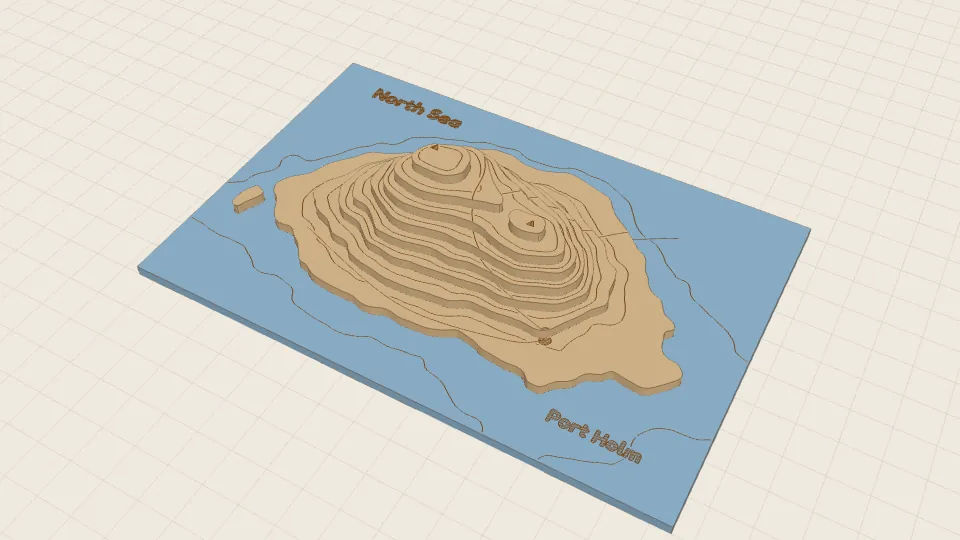
ProA layered topographic map from a heightmap or a terrain model.
 Pro
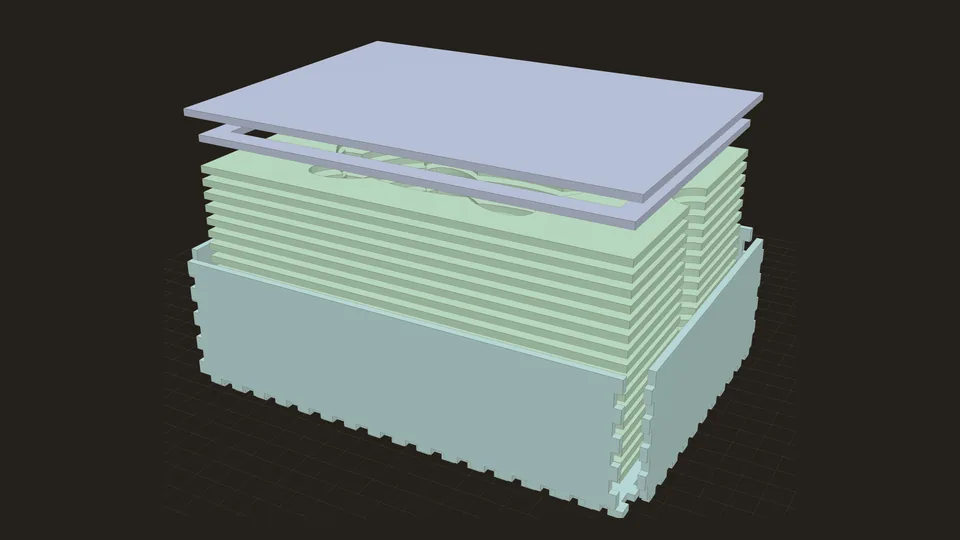
ProA finger-jointed box with a snug cavity cut to the shape of your object.