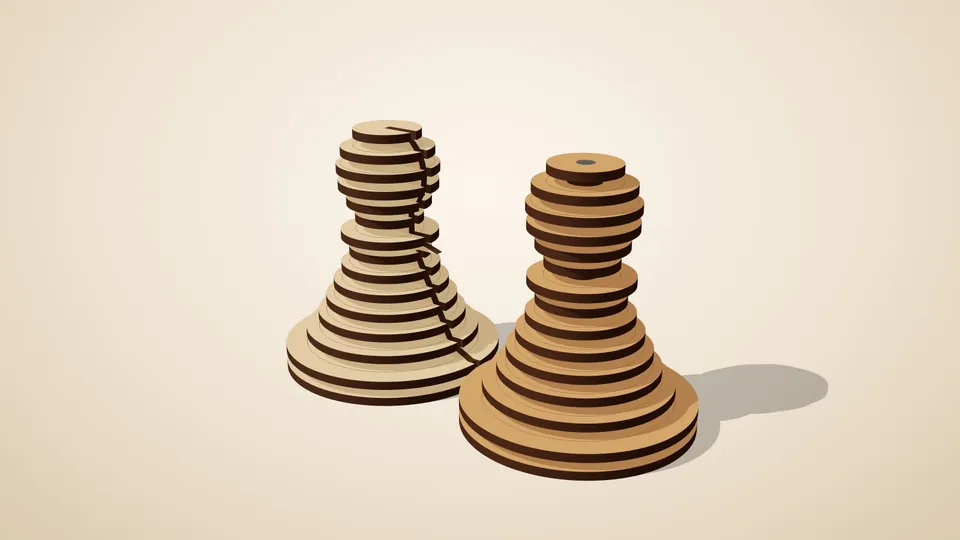
Stacked layers
Slice any 3D model into layers that stack back into the shape.
A finger-jointed box with a snug cavity cut to the shape of your object.
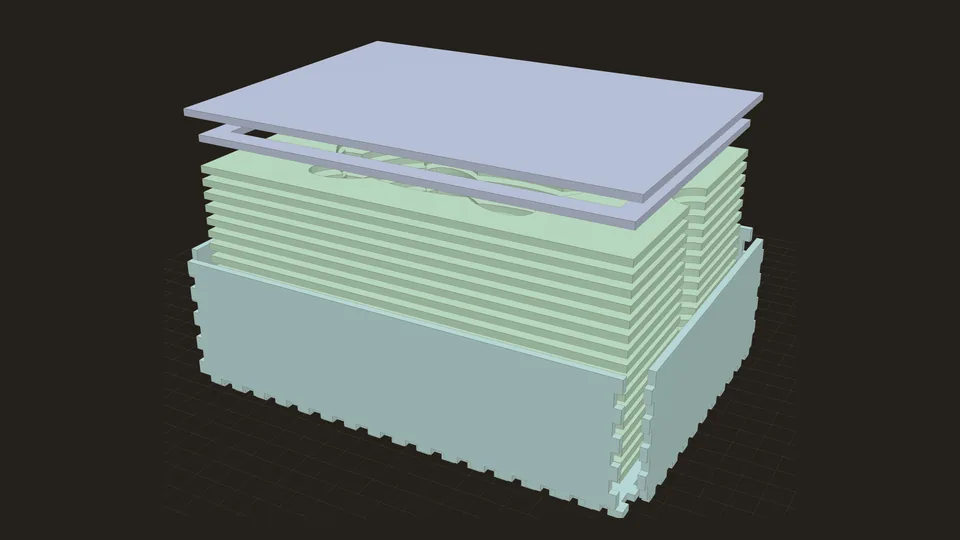
In short: A finger-jointed box with a foam-style insert: layers with the outline of your 3D model cut out, so a tool, gadget or figure sits snugly in its own cavity. Lid with a locating lip.
Upload a 3D model of the thing you want to store (a tool, a gadget, a figure) and get a box with a foam-style insert that holds it. The insert is a stack of layers with the object's outline cut out of each, so the cavity follows its shape as it gets deeper, with thumb notches to lift it out.
The box itself is finger-jointed on all sides, with a lid that has a locating lip so it drops into place. Plain box generators are easy to find; what this one adds is the cavity from your own model, with the whole case checked so the object, the insert and the box don't collide.
You set how deep the object sinks, how much room to leave around it, and how many solid layers go underneath. Your model is read in your browser and never uploaded.
You need: plywood (or card for the insert layers) and glue.
All of these can be changed in the app, and the 3D preview updates as you type. The name under each setting
is its key in a share link, e.g. https://laserpuzzle.app/app/#/fitted-case?model=…; a link only
needs the settings that differ from the defaults.
| Setting | Default | What it does |
|---|---|---|
3D modelmodel | your file | Mesh file (STL recommended) of the object the case is for. |
Up axisup_axis | flat | 'flat' lays the object down as low as it goes, on its largest flat side; otherwise the axis of the file that points up ('auto' = the longest one). Options: flat, auto, x, y, z. |
Upside downflip | off | Turn the object over. |
Rotate about verticalrotate | 0 ° | Turns the object inside the case. From -180 to 180 °. |
Sizesize | 0 mm | 0 keeps the file's size (mm), which is what a case for a real object needs. Otherwise the model is scaled so its longest side is this long. From 0 to 1500 mm. |
| Setting | Default | What it does |
|---|---|---|
Sunk depthdepth | 100% | How much of the object's height sits inside the insert. Less leaves the top standing proud, under the lid. From 20 to 100 %. |
Layers under the objectfloor_layers | 1 | Solid layers between the box floor and the cavity. From 0 to 6. |
Cavity playcavity_play | 0.6 mm | How far the cavity is grown around the object. Tight holds firmly, loose is easier to remove. From 0 to 5 mm. |
Margin around objectmargin | 14 mm | Material left between the object and the box walls. From 6 to 60 mm. |
Thumb notchesnotches | on | Half-round notches on the cavity edge in the middle of both long sides. |
| Setting | Default | What it does |
|---|---|---|
Headroomheadroom | 2 mm | Free space between the object's top and the lid. From 0 to 30 mm. |
Lid texttitle | — | Engraved on the lid (letters, digits and basic punctuation). |
Plus the material and machine settings every generator has: material thickness, kerf, slot clearance, sheet width, sheet height, part spacing, engrave part labels, cut line colour, engrave line colour.
Slice any 3D model into layers that stack back into the shape.
 Pro
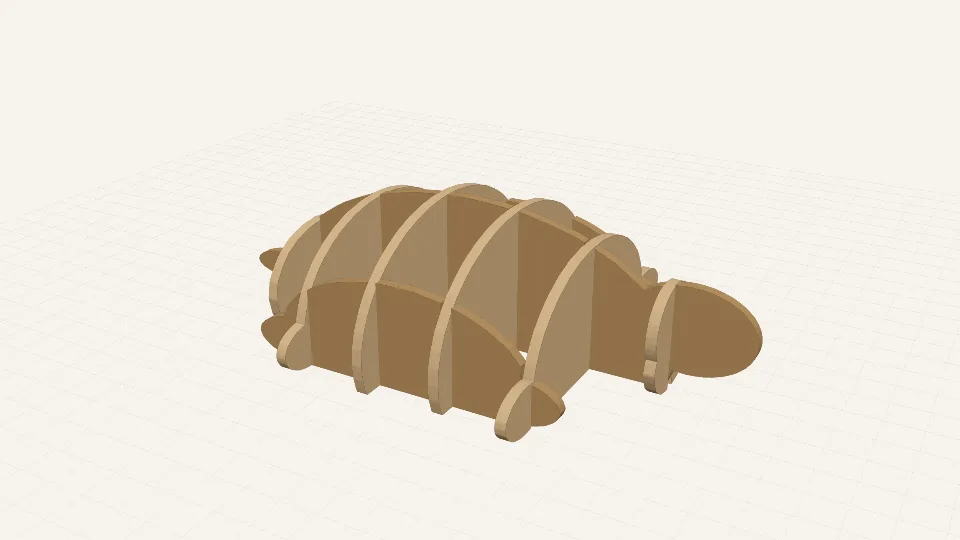
ProTwo sets of interlocking cross-sections that slot together into a lattice of your model.
 Pro
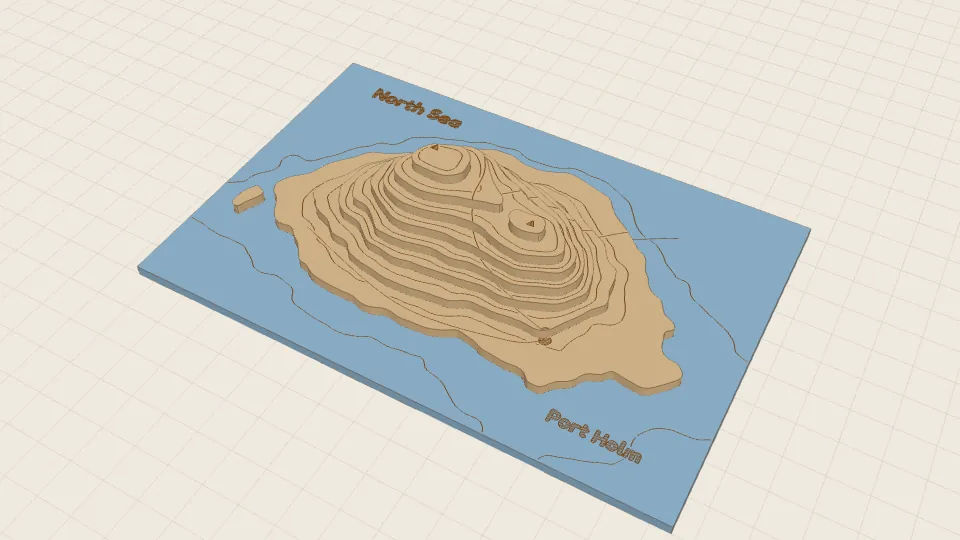
ProA layered topographic map from a heightmap or a terrain model.