Ways to design laser-cut 3D objects, and where laserpuzzle fits
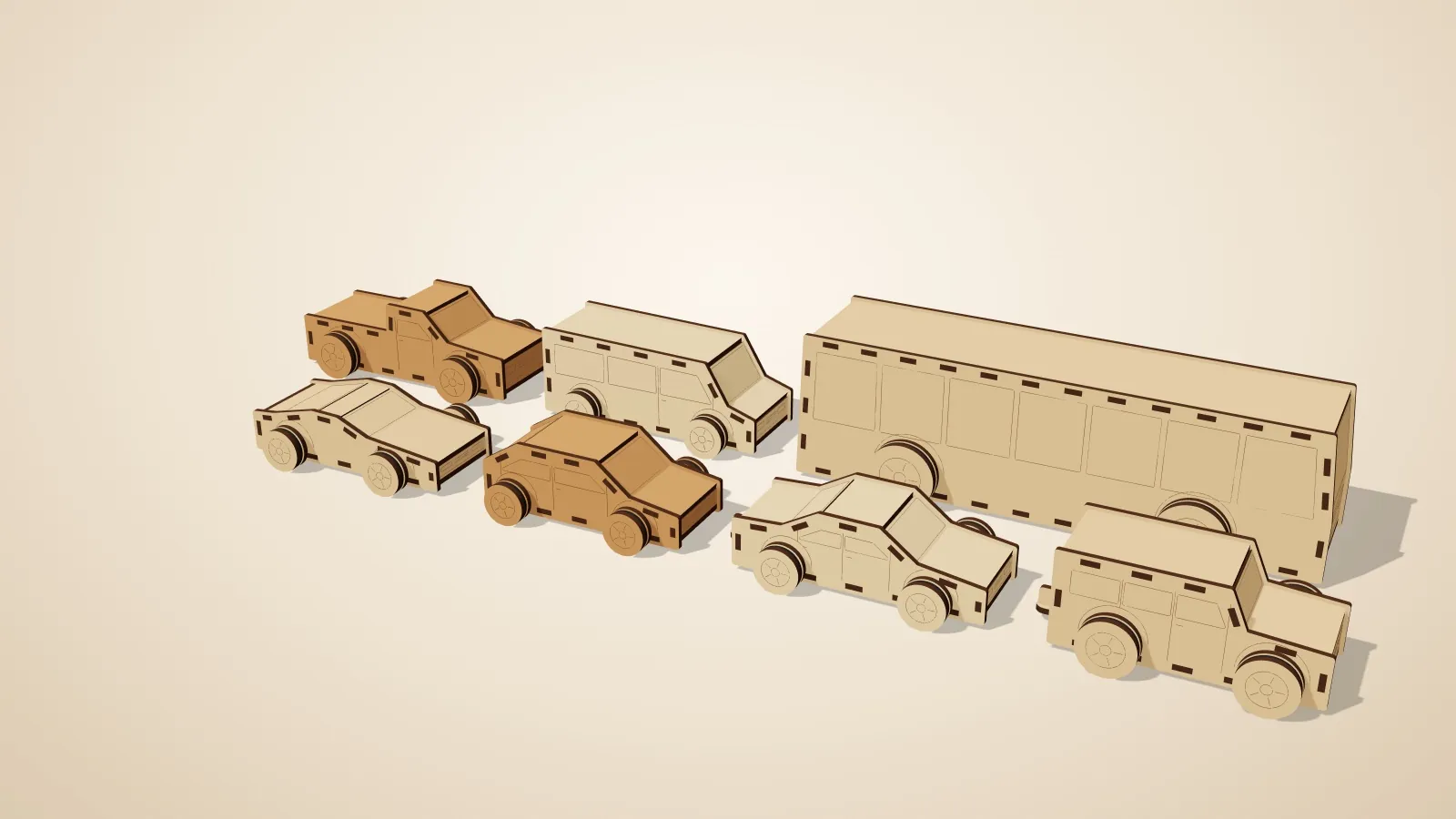
You have a laser cutter and an idea for something three-dimensional: a toy truck, a sculpture, a box that holds a specific thing. The laser only cuts flat sheets, so every route has the same job: turn a 3D shape into flat parts that fit together. Here are the common routes, what each is good at, and where laserpuzzle fits.
The short version
| Start from | Output | Where it runs | Cost | |
|---|---|---|---|---|
| Online box generators (e.g. MakerCase) | Box dimensions | SVG / DXF | Browser | Free to use (check their terms) |
| Boxes.py | A catalogue of parametric designs | SVG and others | Browser or your own machine (open source, GPL) | Free |
| Slicer for Fusion 360 | A 3D model | Flat slices and plans | Desktop | Retired by Autodesk in 2020 |
| Drawing by hand (Inkscape, Fusion, Rhino…) | Anything | Anything | Desktop | Varies |
| laserpuzzle | Parameters or your own STL | SVG / DXF, plus a 3D preview and collision check | Your browser | Free; Pro generators planned |
Box generators
If what you need is a box, a box generator is the fastest answer. You enter the size, the material thickness and your laser's kerf, and you get a cut file with finger joints. MakerCase is a popular browser-based example. Boxes.py goes much further: it is free and open source, has a large library of designs (many kinds of boxes, hinges, gears and more) and a Python API for writing your own.
What they don't do is start from an arbitrary 3D model. If your object isn't a box or something in the catalogue, you are back to drawing.
Slicing a 3D model
For years the answer to "turn this model into laser-cut slices" was Autodesk's 123D Make, then Slicer for Fusion 360. Autodesk stopped maintaining Slicer for Fusion 360 in 2020 and says compatibility with newer Fusion versions and operating systems isn't guaranteed. Some people still run the final releases; if you are looking for something maintained, that is a gap.
laserpuzzle's stacked-layer and sliceform generators do this job: load an STL, set your material thickness, and get layers (or interlocking cross-sections) that rebuild the shape. Stacked layers align with a spine or dowel; sliceform gives you a lightweight lattice of slotted slices.
Drawing it yourself
Inkscape, Fusion 360, Rhino and friends can do anything, and for a one-off they may be the right tool. The cost is time and risk: every tab, slot and hole is yours to dimension, kerf is yours to compensate, and you find out a joint collides when you assemble the plywood. Moving parts make that worse.
Where laserpuzzle fits
laserpuzzle is for objects that are more than a box and more than a pile of layers: toy vehicles, excavators and loaders that move, cranes with a working winch, gear trains, marble runs, burr puzzles, fitted cases. Each generator is a small program that designs a whole family of objects, and it checks its own work:
- Fits are designed in. Joints are drawn at nominal size, with clearance applied per joint and kerf applied at export, so you tune one number for your machine instead of editing outlines.
- A 3D check that no two parts overlap, at rest and, for moving machines, across each joint's range of motion. Some generators simulate too: the marble run's ball path is checked before you cut.
- A 3D preview of the real parts: pose it, x-ray it, explode it.
- Runs in your browser. Nothing to install, and your models are not uploaded; the engine runs locally.
- Open source core. The engine and standard generators are GPL-3.0.
What it isn't: a general CAD program, a replacement for your laser software (you still send the SVG or DXF to LightBurn or whatever drives your machine), or a way to design arbitrary shapes from scratch. It generates the families of objects its generators know about.
Which should you use?
- Need a box? A box generator. Try Boxes.py if you want unusual joints or a catalogue.
- Have an STL you want as layers or slotted slices? laserpuzzle (stacked layers, sliceform).
- Want a toy, machine or mechanism that works when you assemble it? laserpuzzle.
- One-off custom design, or something no generator covers? Your CAD or vector tool, and cut a fit test first.
Whatever you pick, cut a small fit test in your actual material first. laserpuzzle's Fit test generator makes one.